
How Customer
Pickup Works
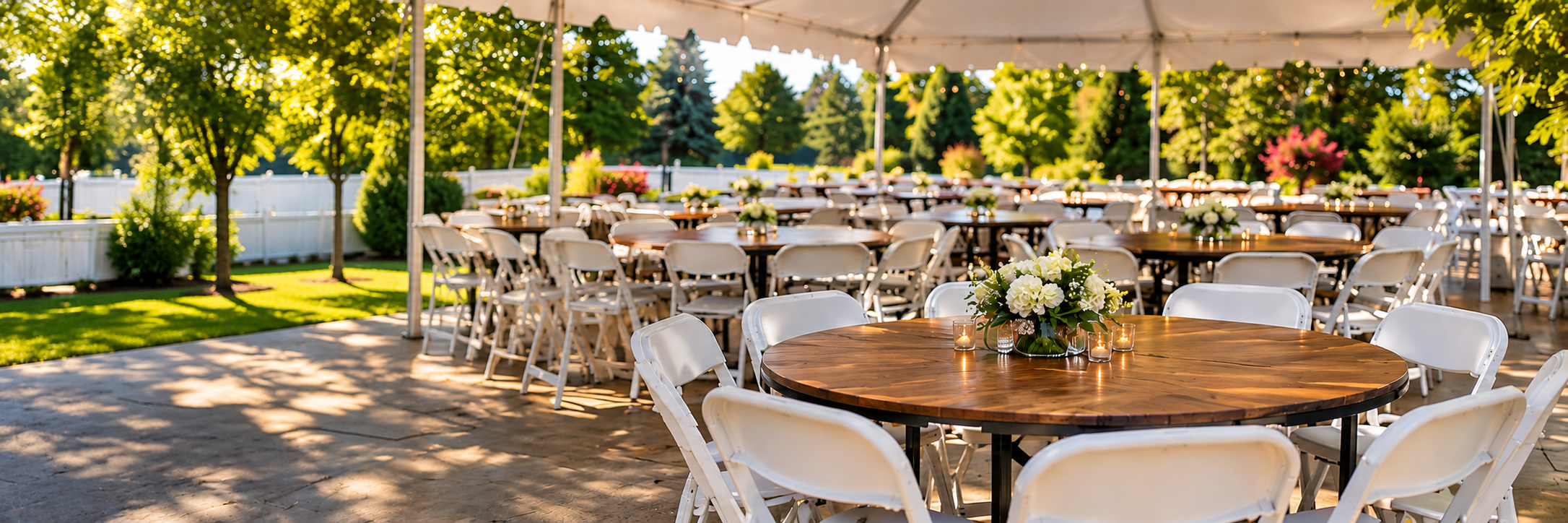
Reserve tables and chairs online, pick them up yourself, and return them when you're finished. We'll guide you through every step from booking to return.
Start a Reservation
Choose your dates
and equipment.
Start by selecting when you'd like to pick up your equipment and when you plan to return it.
We'll show you the tables and chairs available for your selected rental period. Add what you need to your cart and continue to checkout.
- ✓ Choose your pickup date and time
- ✓ Choose your return date and time
- ✓ Select available tables and chairs
- ✓ Customer pickup has a $0 delivery fee
We'll show you exactly
where it is.
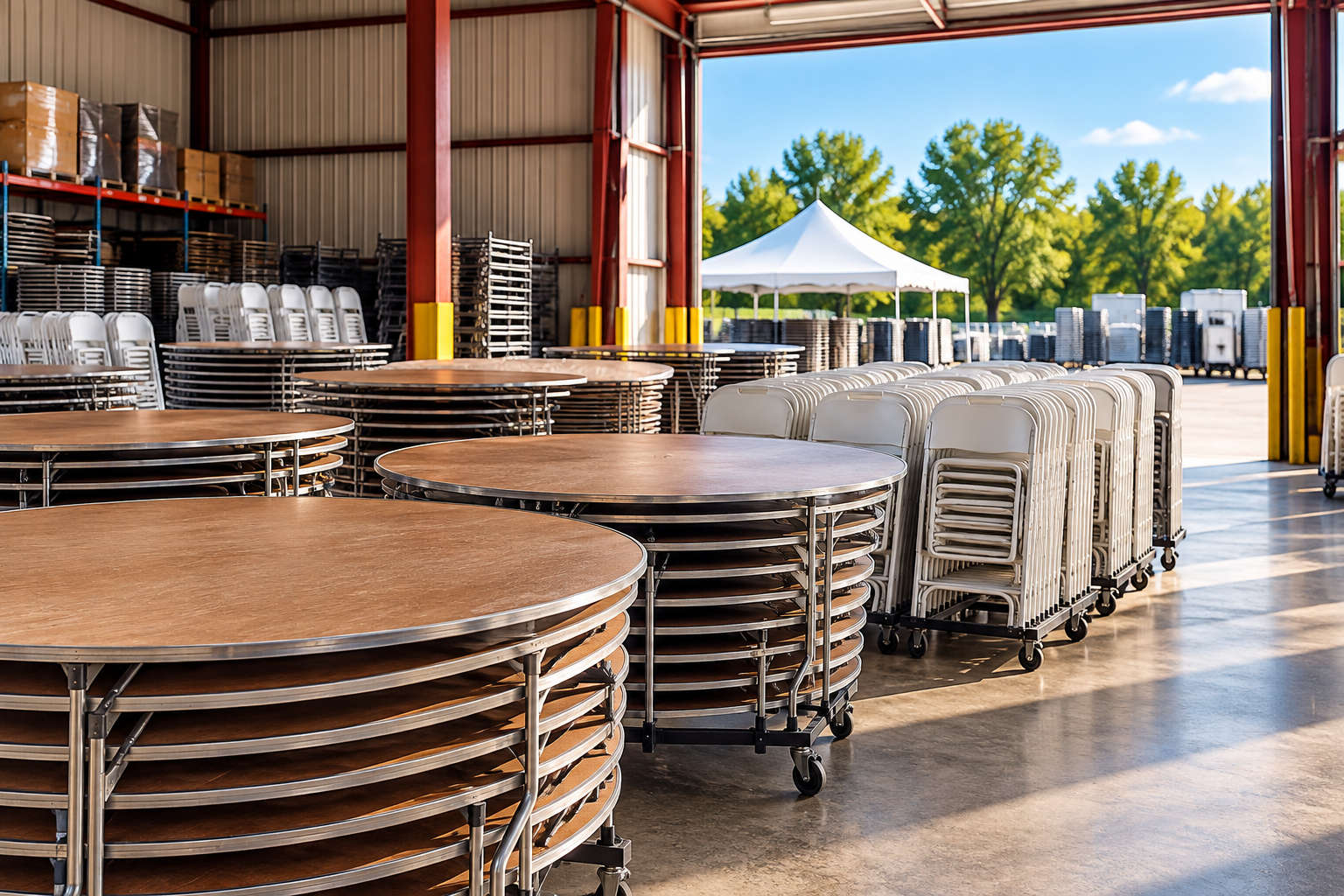
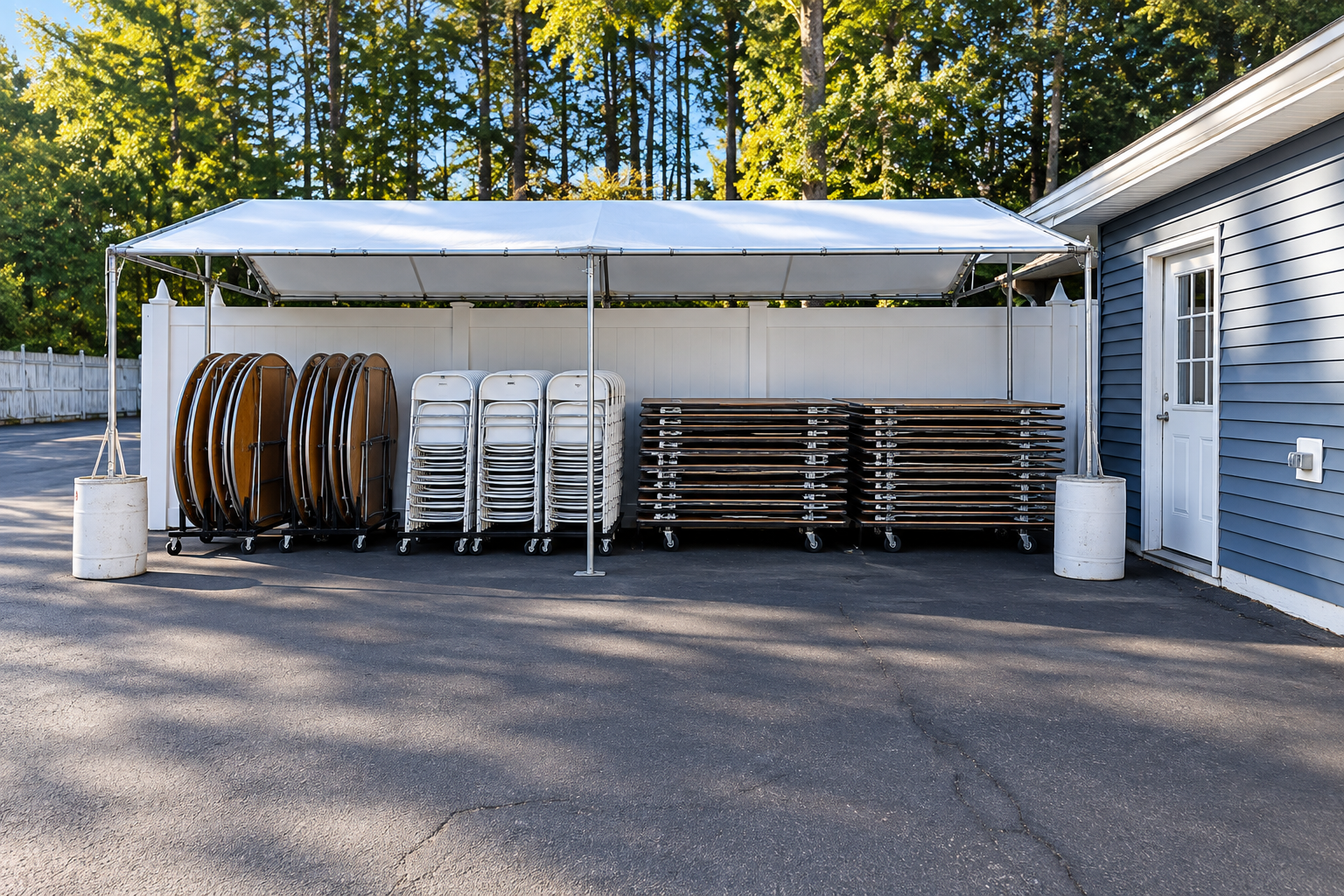
Before pickup, our team will prepare your reservation and place your tables and chairs in a designated customer pickup area.
Once your order is ready, your pickup portal will show you the location and a photo so you know exactly where to find your equipment.
- ✓ Open your pickup instructions on your phone
- ✓ View the photo showing your equipment location
- ✓ Verify the equipment and quantities
- ✓ Load the equipment into your vehicle
- ✓ Take a photo of the loaded equipment
Take a photo before you leave.
After loading your equipment, you'll be asked to take or upload a photo showing the tables and chairs loaded into your vehicle. This confirms that your pickup has been completed.
The equipment is yours
for the rental period.
Once pickup is complete, take your tables and chairs to your event and use them for your reserved rental period.
Your pickup portal will keep your return date and time available so you can easily check when your equipment is due back.
- ✓ Use the equipment for your event
- ✓ Keep your equipment together
- ✓ Check your return date and time anytime
- ✓ Return everything by the scheduled time
Equipment should be returned by the date and time shown on your reservation.

Bring everything back
when you're finished.
When your rental is finished, open your pickup portal again and select Start Return.
We'll show you where the equipment needs to be placed, including a photo of the designated return location.
- ✓ View the designated return location
- ✓ Return all tables and chairs
- ✓ Fold and stack equipment as instructed
- ✓ Confirm the equipment being returned
- ✓ Take a photo of the returned equipment
Pickup & Return Photos
Your portal shows the designated location and allows you to submit confirmation photos.
Final Inspection
After your return is submitted, our team will count and inspect the equipment before your reservation is marked complete.
Need Help?
Find answers about pickup, returns, vehicles, photos, and your reservation in our help center.
A Few Things to Know
A little preparation makes customer pickup quick and easy.
No Delivery Fee
Customer pickup reservations have a $0 delivery and travel fee.
Bring the Right Vehicle
Make sure your vehicle has enough room to safely transport all of the equipment in your reservation.
Bring Your Phone
You'll use your phone to view pickup instructions and submit pickup and return photos.
Return On Time
Equipment should be returned by the return date and time listed on your reservation.